


Casino SlotsVader Registration — Create an Account, Log In and Verify Your Identity
The Best Games







SlotsVader Casino: How to Register Quickly and Easily
Creating an account is a straightforward and convenient process. Registration may not be the most exciting part of the experience, but it is a necessary one. Without it, you cannot play with real money or access the full range of features the platform has to offer. Setting up an account is simple — we’ll walk you through the process in detail.
Step-by-Step Registration
Registration at SlotsVader Casino is available only to individuals who have reached the legal age of majority. The process takes place in several key steps:
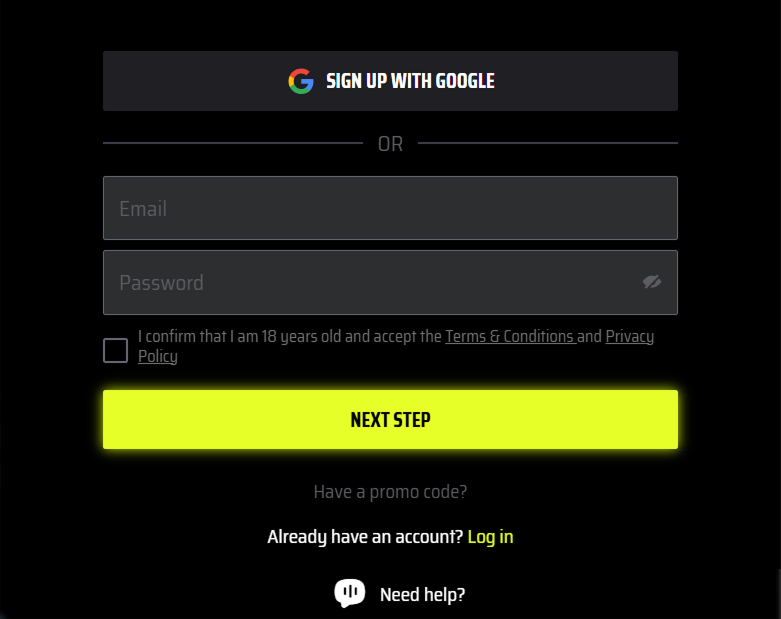
- Choosing your welcome package, entering your email address and creating a password. You can also sign in using a Google account.
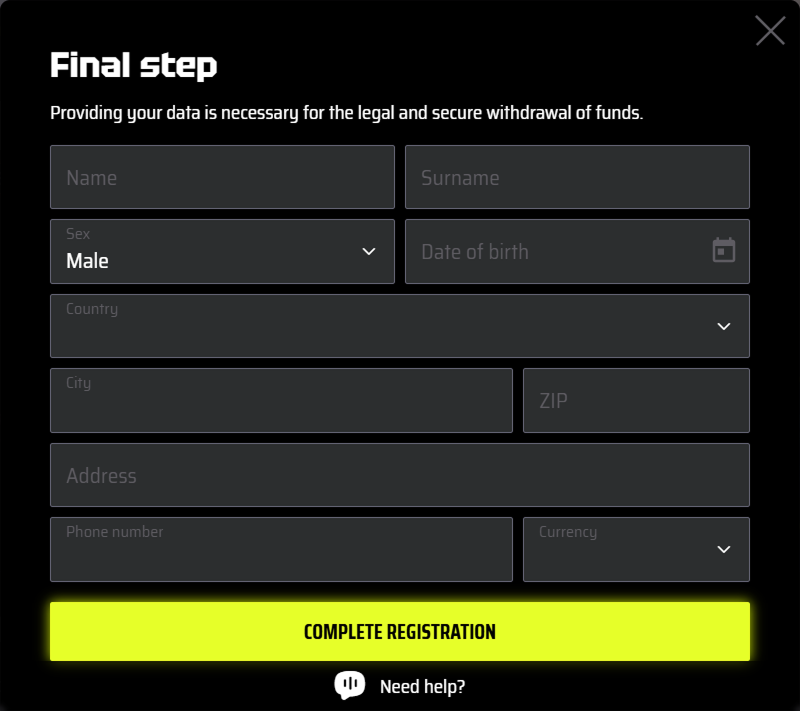
- Entering your personal information: first name, last name, gender, date of birth, country, city, address, postal code, phone number, and preferred currency.
Using Google allows you to set up your profile on the site in just a few clicks. Based on your Google account, the system automatically generates your profile. Keep in mind, however, that you will still need to fill in your personal details at a later stage.
Signing In: How to Access Your Profile
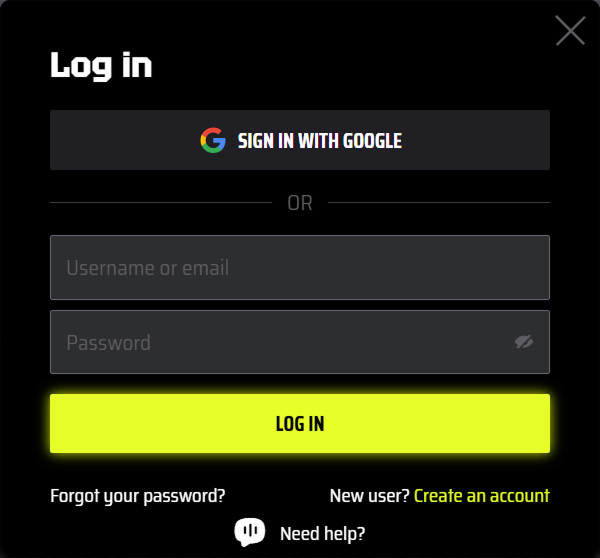
Logging in to SlotsVader Casino is the process that allows a user to access their profile and continue playing. It requires entering your email address and password. You can also sign in using Google.
Possible Issues
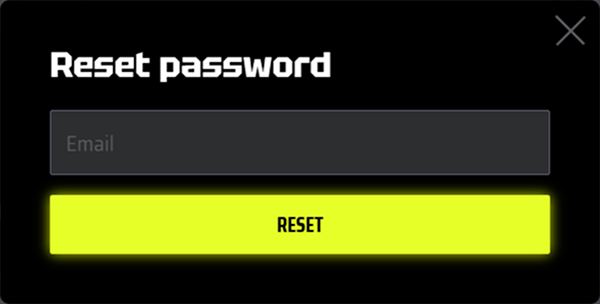
If the details are entered incorrectly, the system will display an error indicating that the email and password do not match. In that case, you’ll need to double-check your credentials and correct any mistakes — for example, checking for capitalisation errors or the wrong keyboard language. Sometimes a password may simply be forgotten. In that case, it’s worth using the password recovery feature. Enter your email address and you’ll receive a message containing a link to a dedicated page where you can set a new password. If that doesn’t resolve the issue, it’s advisable to get in touch with the support team. This can be done via live chat or email. The support operators will look into the problem and help you regain access to your profile.
Profile Verification
Every registered user is required to complete identity verification. This enhances the overall security of your profile. The verification process takes place in several steps:
- Log in to your personal account area.
- Make a deposit using your preferred method.
- Submit your documents.
A passport, a utility bill no older than three months, and a photo or screenshot of your payment method as proof of ownership are required. Document verification takes 2–3 days.